Pick one
The classic. One finger, one winner, and the “who goes first?” debate is over.
 The original finger chooser

Everyone puts a finger on the screen. Three seconds later, Chooser picks one. No arguing, no rock-paper-scissors, no “but you went first last time”.

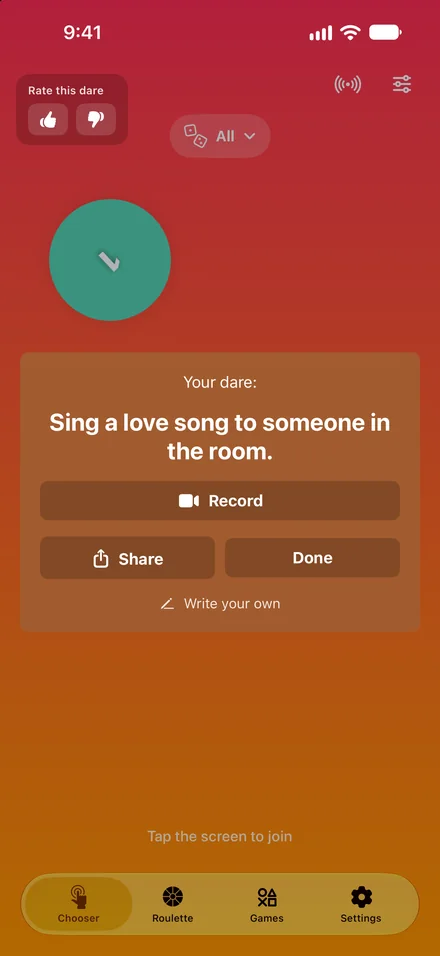
Your dare:
How it works
The fastest fair way to settle it. Great for board games, card games, parties and every “who goes first?” moment.
One finger each, anywhere on the glass. Every finger gets its own ring.
The rings pulse twice while Chooser counts down. Lift a finger and the countdown starts again.
The chosen ring fills up and bursts into colour. Everyone else is out.
1 to 20 winnersMedals, turn order or teamsSounds and vibrations
Modes
Chooser does more than pick who goes first. Set it up for whatever the game needs.
The classic. One finger, one winner, and the “who goes first?” debate is over.
Two seekers? Three people on dish duty? Pick up to 20 winners at once.
Rank the winners and they get medals: 1st, 2nd, 3rd and 4th.
Every finger gets a number, so the whole playing order is settled in one go.
Split the group into numbered teams in one go. Nobody gets picked last.
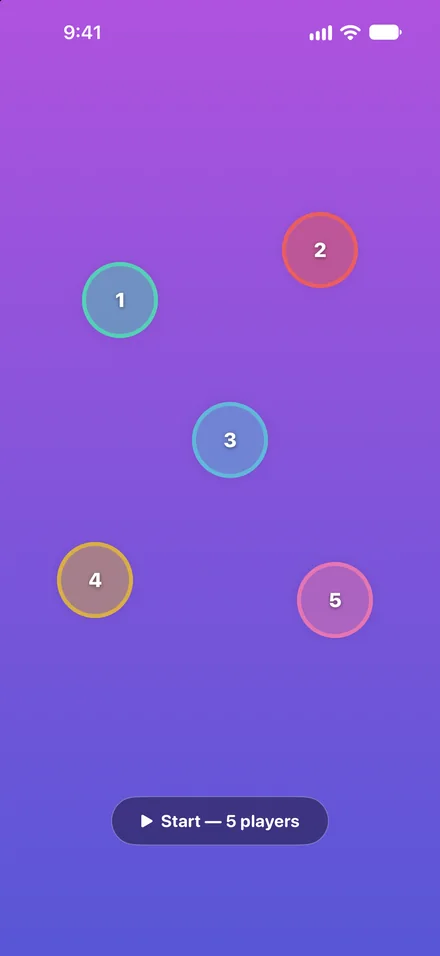
More than five of you? Everyone taps once to join, up to 20 players, then press Start.
Take a Dare · Truth or Dare
Switch on Take a Dare or Truth or Dare and every pick comes with a card. There are 13,000+ truths, dares and challenges in 10 categories, and new ones arrive without an app update.
What is the funniest thing this group has ever done together?
Real cards from the app. A few family-friendly picks.
Play online
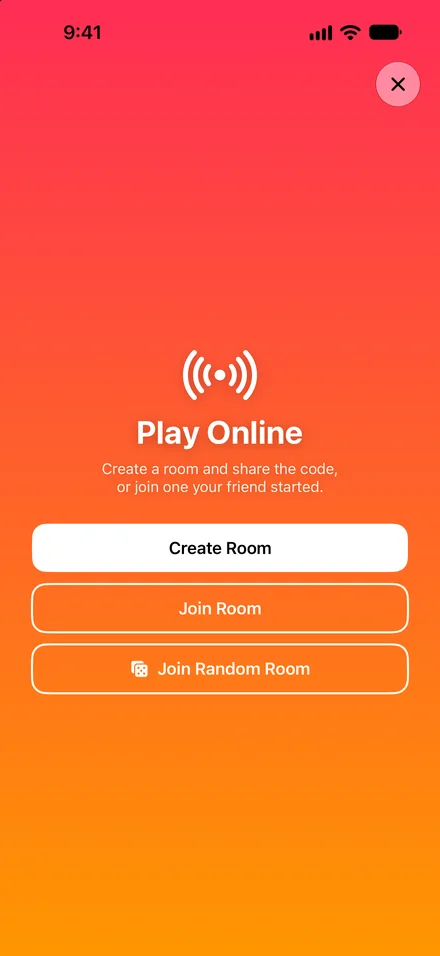
Create a room, share the code, and play Chooser and Truth or Dare with friends anywhere, all on one live, shared finger canvas.
What food to order for delivery?
Roulette
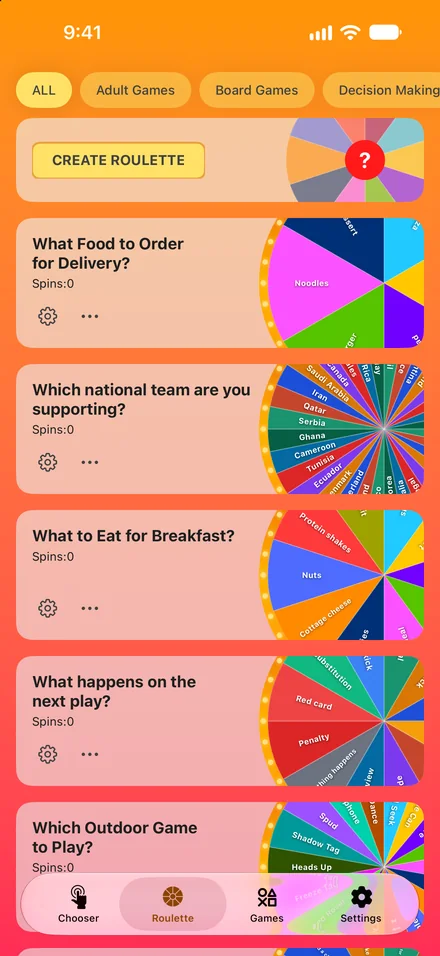
For the choices that aren’t about people: dinner, chores, movies, dares. Build your own wheel or start from a ready-made one. The one on the left is straight from the app.
Mini games
Four quick deciders for everything else, each one tap away. Go on, try them.


Heads or tails, with a proper flip. In the app, swipe up or tap the coin.
Roll up to nine 3D dice in the app and it adds up the total.
A random number in any range, or several at once, with no repeats.
Gather round the phone and let the arrow pick someone.
Make it yours
Colours, gradients and patterns for the chooser, or a photo of your own. Plus a matching icon for your Home Screen.
Now showing Solar. Pick one and the demo at the top of the page changes too.




















Yes. Chooser is free to download. An optional upgrade (weekly, yearly or a one-time lifetime purchase) unlocks everything and turns off ads.
Yes. Every finger on the screen has the same chance, and every round is a fresh pick. The one exception is Cheat Mode, a setting that always picks whoever touched the screen first. If your host keeps winning, check their settings. 🤫
Most iPhones track up to five fingers at once. For a bigger group, turn on Tap Style: everyone taps once to join, up to 20 players, then press Start. Or open an online room.
Yes. Create a room in the app, share the six-letter code, and everyone plays on the same live screen. No friends around? Join a random room, or play a quick round against AI players.
Yes. On iPad there’s more room for fingers, and the Apple Watch app spins your wheels right from your wrist. Chooser needs iOS 16 or later.
Chooser is made for iPhone, iPad and Apple Watch. On any other phone, the finger chooser on this page works in your browser: tap “Try it now” at the top.
47 of them, from Arabic to Vietnamese.
Chooser is free on the App Store for iPhone, iPad and Apple Watch.
 Scan to get it