Chooser Finger chooser
Finger chooser
The finger chooser, right in your browser.
Fingers on the screen, three seconds of suspense, one of you is picked. Try it right here, then get the original app that has been doing it since 2017.

Your dare:
How it works
Three seconds, start to finish.
- 1
Fingers on the screen
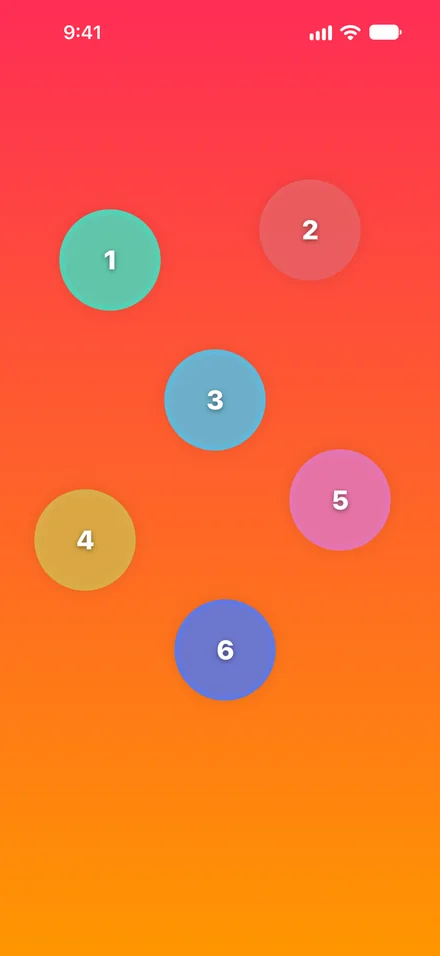
Everyone places one finger on the phone. Each finger gets its own ring.
- 2
Hold still
The rings pulse twice. If anyone lifts a finger, the countdown starts over, so nobody can time it.
- 3
One ring is chosen
The winning ring fills and bursts into colour. That's your person.
In the app
The original, with extras.
Same odds for every finger
Each round is a fresh random pick from the fingers on the screen.
No setup
No names to type and no lists to make. Open the app and put your fingers down.
One winner or many
Pick up to 20 winners, give out medals, or set a full turn order.
Big groups too
Tap Style lets up to 20 players join by tapping once each.
How does a finger chooser work?
Everyone holds a finger on the screen. After a short countdown the app picks one finger at random and highlights it. Chooser counts down for three seconds, pulsing the rings on each count.
Can it pick more than one person?
Yes. In the app you can pick up to 20 winners, rank them with medals, number everyone in a turn order, or split the group into teams.
Does the web version work on my phone?
Yes. Tap Play full screen and everyone can hold a finger on your phone's screen. The app adds themes, Truth or Dare, online rooms, the wheel and the mini games.
Also in Chooser
One app, every way to decide.
Fingers down.
Chooser is free on the App Store for iPhone, iPad and Apple Watch.
 Scan to get it
on your iPhone